
How Trojan Horse Attacks Work (And How to Protect Your Devices)


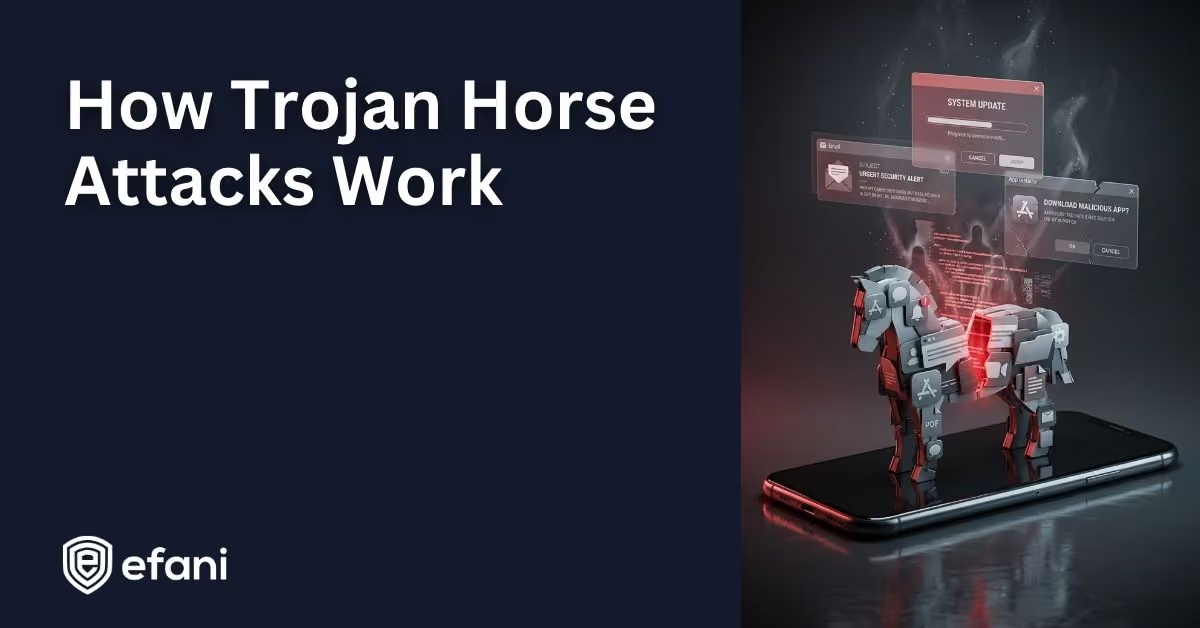
Introduction
If you have ever heard someone say "It was a Trojan," they usually mean a sneaky kind of malware that gets onto a device by pretending to be something it is not. Trojans are one of the most common ways attackers get a foothold on phones and computers because they do not have to break in with brute force. They usually just trick someone into letting them in.
Let's walk through what a Trojan horse is, how it works, the different types you might run into, and what you can do to stay safe.
Is your cellphone vulnerable to SIM Swap? Get a FREE scan now!
Please ensure your number is in the correct format.
Valid for US numbers only!
What Is A Trojan Horse In Cybersecurity?
A Trojan horse, often shortened to Trojan, is malicious software that disguises itself as something legitimate so you willingly install it or run it.
That disguise might look like:
- A PDF attachment that is actually an executable file
- A fake delivery notice asking you to open an attachment
- A cracked version of a paid app or game
- A browser extension promising coupons or ad blocking
- A "security" or "cleaner" app claiming your phone is infected
The key idea is simple. Trojans rely on deception and user action. You click it, install it, open it, or grant permissions. Once that happens, the malware is free to do whatever it was designed to do.
Why It Is Called A Trojan Horse
The name comes from the ancient story of the Trojan Horse. Greek soldiers hid inside a wooden horse presented as a gift. Once the horse was brought inside the city walls, the hidden soldiers came out and opened the gates.
In cybersecurity terms, the "gift" is the innocent looking file or app. The hidden soldiers are the malicious functions running quietly in the background.
Trojan Vs Virus Vs Worm
People often use the word virus to describe any kind of malware, but these terms are not the same.
A Trojan pretends to be legitimate and relies on tricking you into running it.
A virus traditionally spreads by inserting itself into other files.
A worm spreads automatically across networks without needing user interaction.
Trojans spread through social engineering. They depend on curiosity, urgency, or convenience rather than automatic replication.
SIM Swap Protection
Get our SAFE plan for guaranteed SIM swap protection.
Common Types Of Trojan Horses
Trojan is a broad category. Here are the most common types explained in plain language.
Remote Access Trojans
Remote Access Trojans, often called RATs, give attackers control over your device. Once installed, they may allow someone to browse files, log keystrokes, take screenshots, activate your camera or microphone, and run commands remotely.
Banking Trojans
These are designed to steal financial information. They may capture login credentials, overlay fake login screens on real banking apps, intercept one time passcodes, or redirect payments to attacker controlled accounts.
Downloader And Dropper Trojans
Some Trojans act as delivery systems. A downloader fetches additional malware from the internet. A dropper installs malicious components that were bundled inside the original file. One bad install can quickly turn into multiple infections.
Backdoor Trojans
Backdoor Trojans create a hidden entry point so attackers can regain access later. Even if the original app looks closed or inactive, the backdoor may still be running.
Fake Antivirus And Scareware
These show alarming messages like "Your device is infected" and pressure you to install software or pay for a fix. The supposed solution is the Trojan itself.
Trojanized Legitimate Software
Attackers sometimes modify real software and redistribute it. You think you installed a popular tool, but you actually installed a compromised version.
Monthly
Yearly
How Trojan Horses Get Onto Devices
Trojans blend into everyday digital behavior. The most common delivery methods include phishing messages, fake downloads, and malicious apps.
Phishing Emails And Messages
Messages that create urgency or curiosity are classic Trojan delivery tools. Examples include shipping notices, fake invoices, account alerts, and messages claiming someone shared a file or photo with you.
Fake Or Pirated Software
Cracked software, keygens, and "free" premium tools are one of the most common Trojan sources. The shortcut often becomes the problem.
Fake Updates
Popups claiming your browser, media player, or security software is outdated may push you to install a malicious update.
Compromised Websites And Ads
Legitimate websites can sometimes serve malicious ads or redirect visitors to fake download pages without the site owner realizing it.
Mobile App Installs And Permissions
On phones, Trojans often arrive through sideloaded apps, copycat apps, or apps that request excessive permissions and then abuse them.
What Happens After A Trojan Is Installed
Most Trojans follow a similar playbook once they are running.
First, the Trojan installs itself and hides. It may rename files, copy itself into system folders, or install background services.
Next, it tries to persist. That means surviving reboots by adding itself to startup processes or system services.
Then it connects to a command and control server. This lets attackers send instructions, update the malware, and receive stolen data.
After that, the payload runs. This might involve stealing passwords, reading messages, spying through microphones, searching for crypto wallets, or installing additional malware.
Finally, many Trojans attempt to avoid detection by encrypting traffic, disabling security tools, or limiting activity to avoid suspicion.
Signs You Might Have A Trojan
Some Trojans are noisy, but many are subtle. Warning signs include unexplained slowdowns, overheating, fast battery drain, increased data usage, strange popups, unknown browser extensions, or messages being sent from your accounts without your knowledge.
On phones, apps requesting strange permissions or behaving oddly can also be a red flag.
How To Protect Yourself From Trojan Horses
You do not need extreme measures to stay safe. A few habits block most Trojan attacks.
Download apps and software only from trusted sources. Avoid pirated tools and unofficial mirrors.
Slow down when dealing with links and attachments. Ask yourself whether you were expecting the message and whether it creates unnecessary urgency.
Keep your operating system and apps updated. Updates close security gaps that Trojans often exploit.
Use security tools as a layer, not a crutch. Antivirus and mobile security apps help, but awareness matters more.
Secure your accounts with strong unique passwords and multi factor authentication. This limits damage even if a Trojan steals credentials.
Review permissions on your phone regularly and remove apps that ask for access they do not need.
What To Do If You Think You Installed A Trojan
First, disconnect the device from the internet to limit data theft.
Do not log into sensitive accounts from that device.
Run a full malware scan using a reputable security tool.
Remove suspicious apps, browser extensions, and startup items.
Change passwords from a different trusted device, starting with email and financial accounts.
If the infection seems serious, reinstall the operating system or factory reset the phone and restore only trusted apps.
Finally, monitor your accounts closely for unusual activity.
A Simple Way To Remember Trojans
Trojans usually do not break in. They get invited in by looking safe.
That is why the strongest defense is not just software. It is slowing down, questioning what you install, and treating unexpected files and links with caution.


